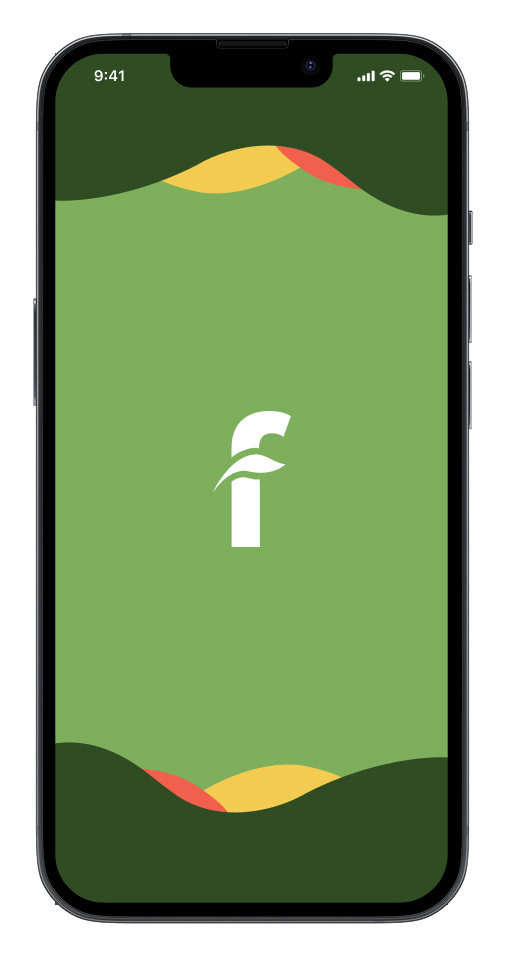
A mobile app created for plant parents to find quality care for their plants. Like a baby sitter, but for plants.
Objectives
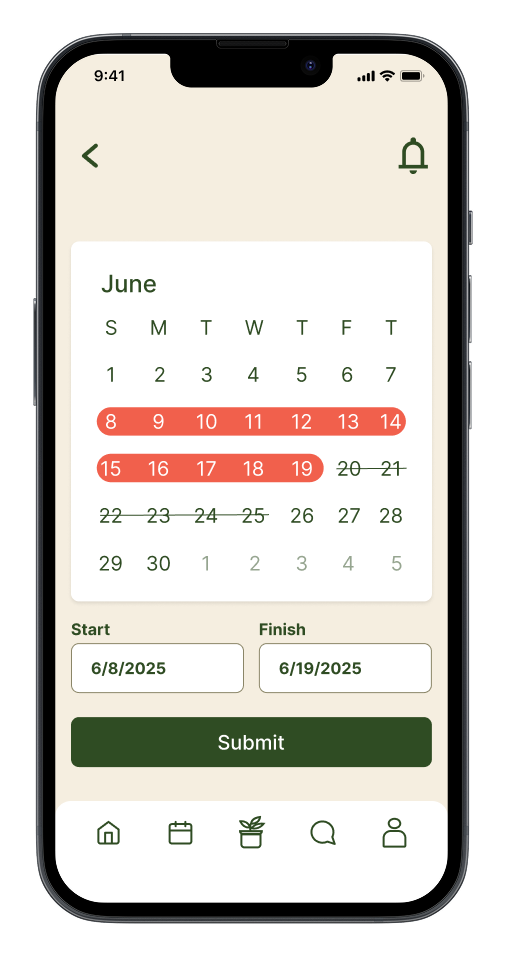
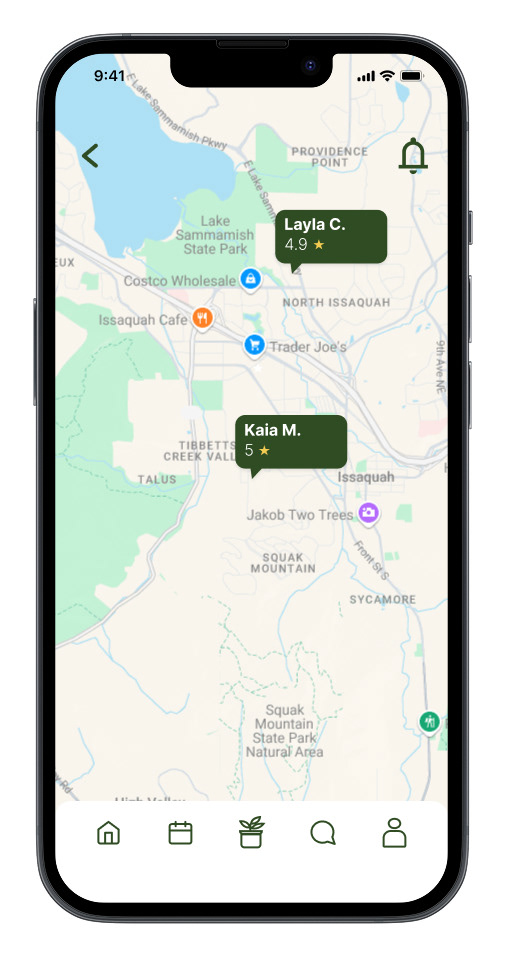
The goal of Fauna is to put plant owners' minds at ease while they are away. Users would be able to search and find plant sitters in their neighborhood who are vetted, trusted, and reviewed by other customers. The app would update the user daily or based on the user preference. These updates include confirmation of watering, pruning and other tasks.
Target Audience
My target audience would be people who love plants, and are tech-savvy. Most likely between the ages of 25-45, single, female and financially able to afford the luxury of a plant sitter.
What will keep customers using Fauna rather than competing apps?
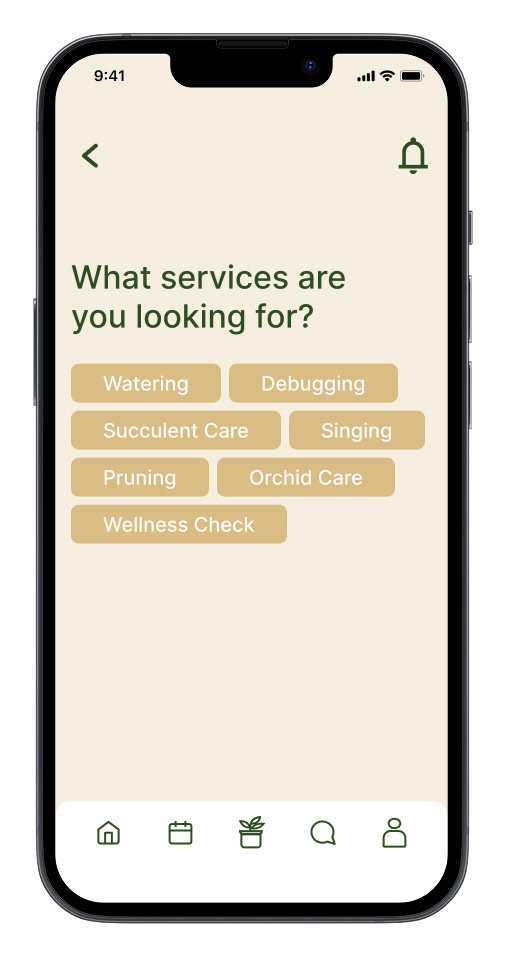
The advantage of Fauna over competing apps is the ability to see reviewers of different sitters, the ability to easily communicate with your sitter, customizable plant updates and ability to receive unique and specialized plant services.
Competitors
Leaf’Em
This app connects people with plant sitters. Users can book a sitter based on what kind of care they want for their plants and choose a vetted sitter for their plants. I found this app lacking easy to navigate design.
Leaf’Em
This app connects people with plant sitters. Users can book a sitter based on what kind of care they want for their plants and choose a vetted sitter for their plants. I found this app lacking easy to navigate design.
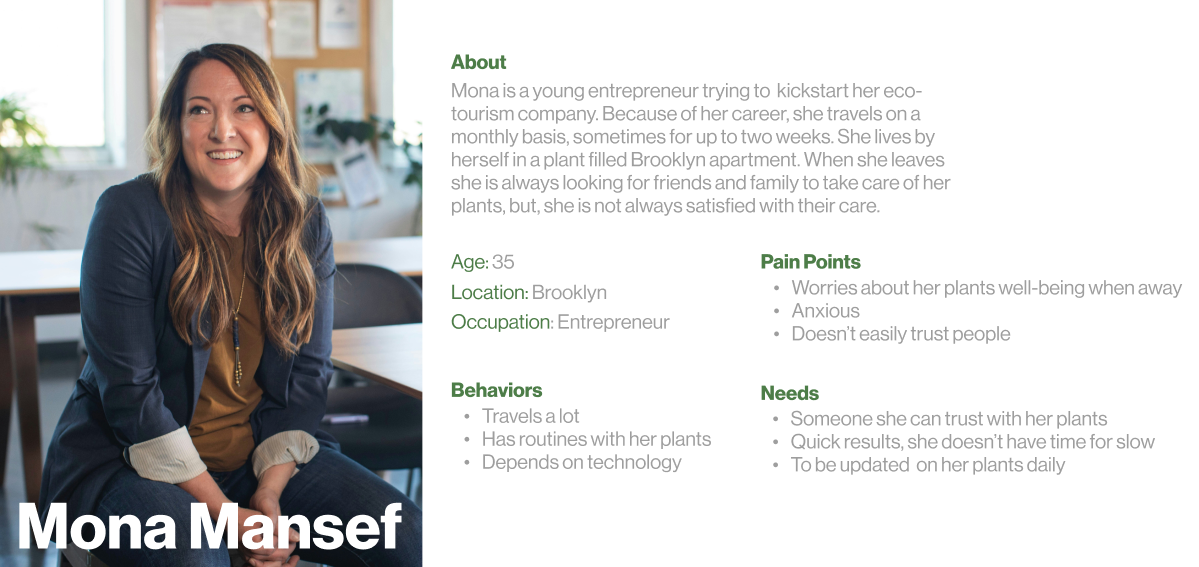
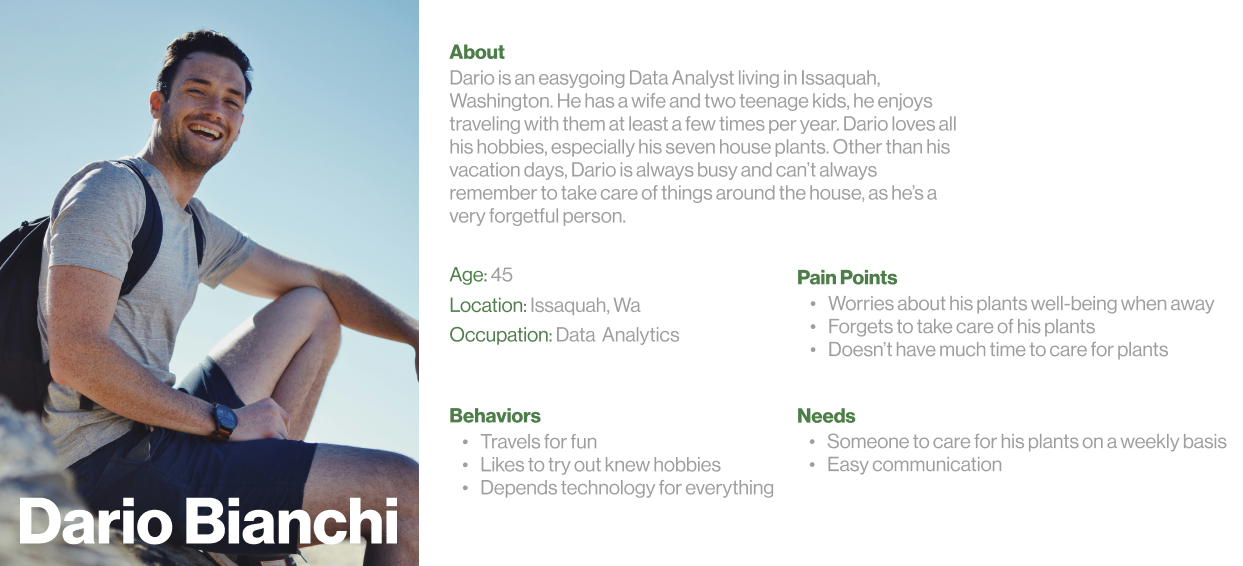
Process 1: I started this project by defining the problem, people need care for their plants when they are away. I created user personas based on my target audience and what they would potentially look for in a plant sitter and an app.
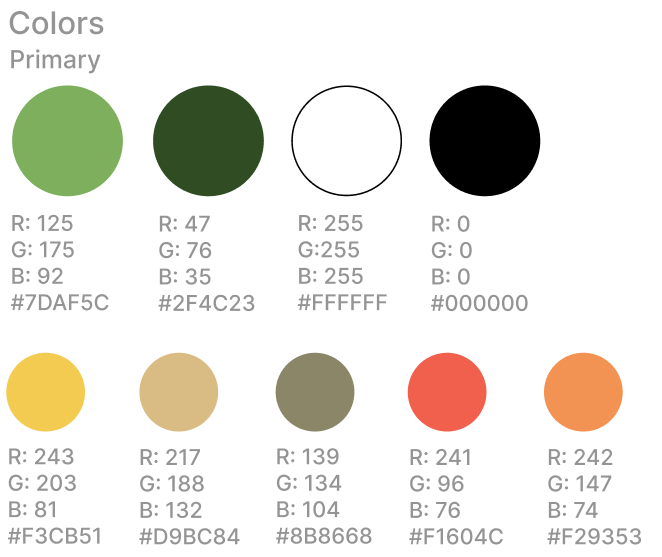
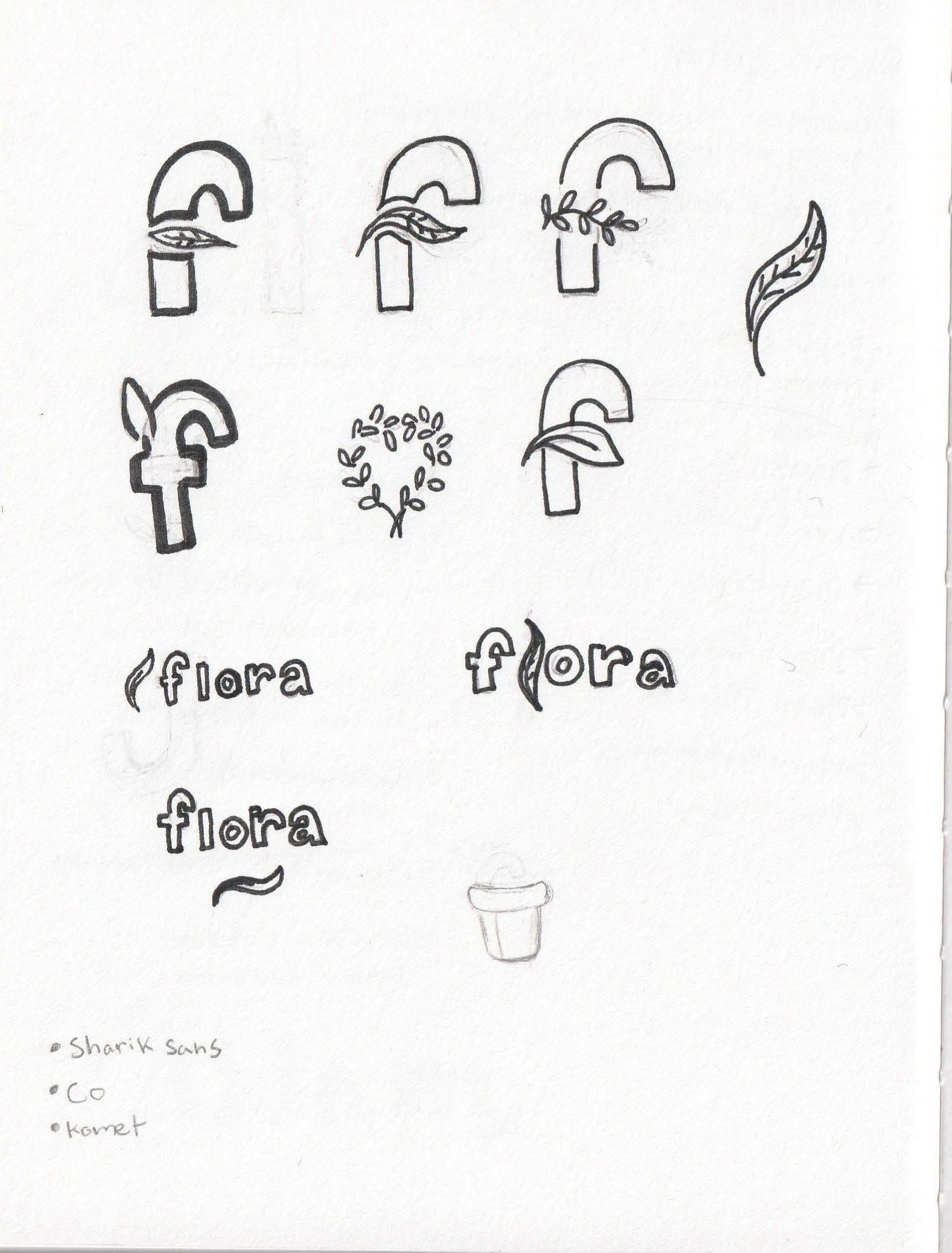
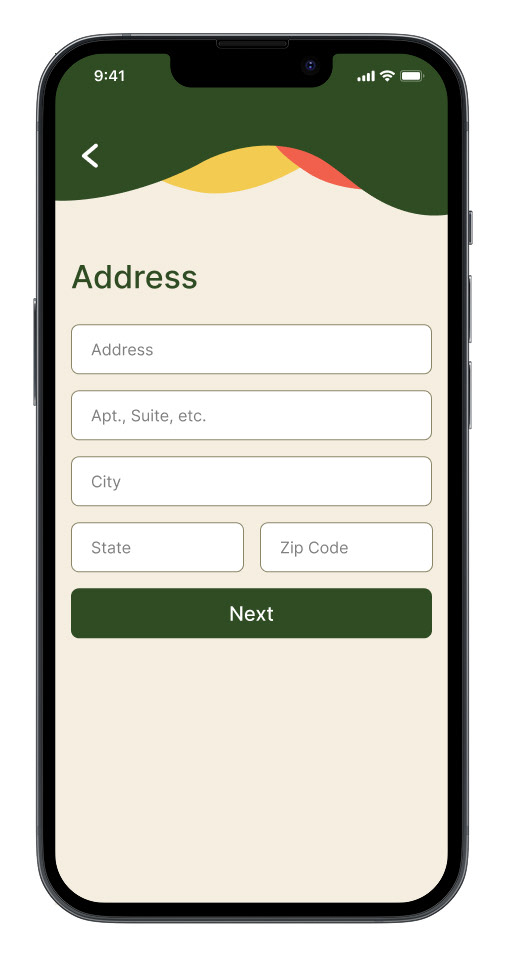
Process 2: Based on my user persona’s and app goals, I created branding. I chose a simple, clean logo design to create trust, with the primary colors being natural shades of green and vibrant oranges and yellows for specific buttons and highlights.
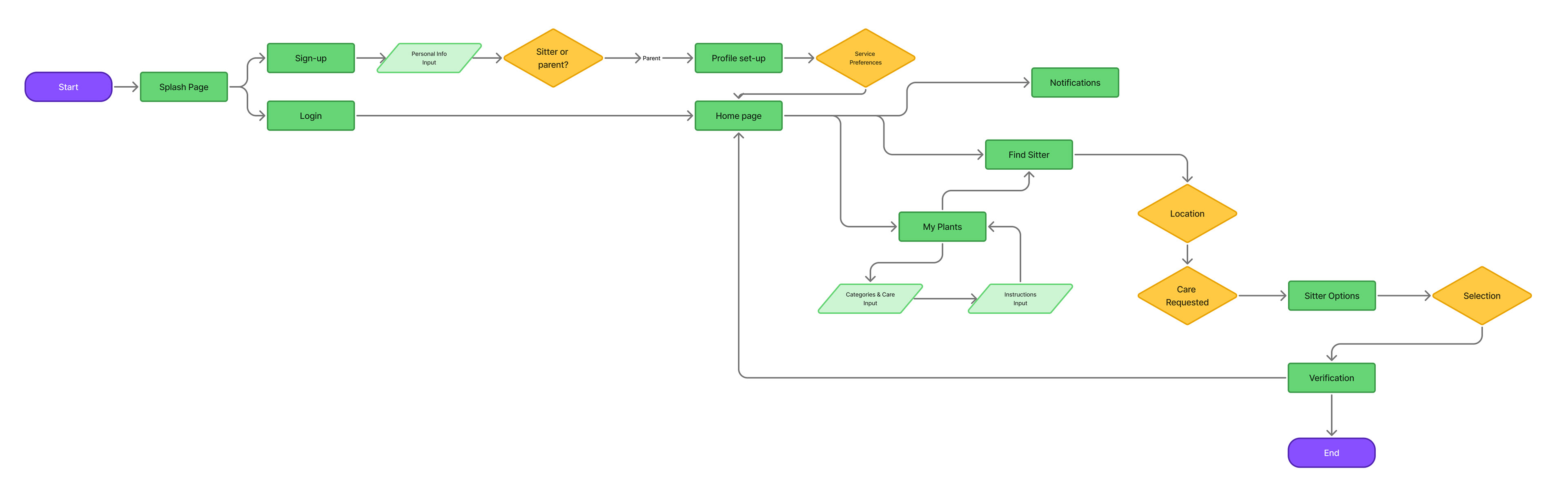
Process 3: I created a user flow in order to understand which screens I would be building and how the user would most likely move through them.
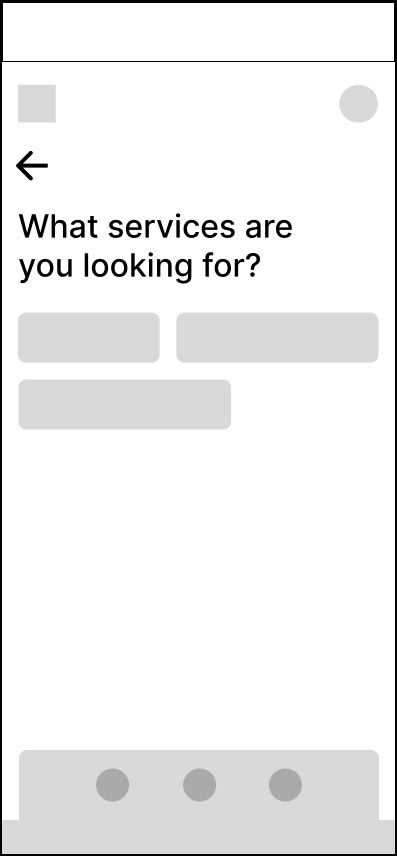
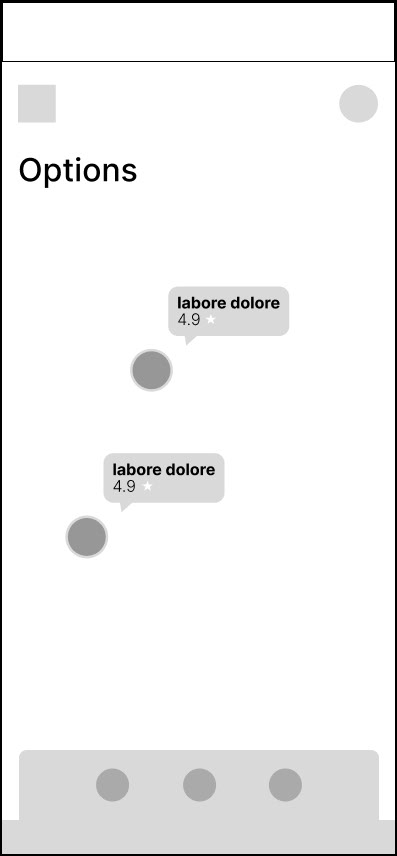
Process 4: I created low-fidelity (shown above), mid-fidelity, and hi-fidelity wireframes before moving on to the final mock-up.
Process 5: I applied basic prototyping to the frames in Figma, connecting every frame to test my design, and applying basic elements like pop-ups and a scrollable map.